
The Human Side of Airport Digitization
Successful airport digital transformation depends on more than technology. By involving teams, simplifying workflows, and providing the right tools, airports can improve adoption and create more connected, efficient operations.
Why People Matter as Much as Technology in Airport Transformation
Picture an operations manager at a mid-sized regional airport. Her mornings start with a stack of paper inspection checklists. Her afternoons are spent chasing sign-offs across three separate email threads. And somewhere on a shared drive sits a spreadsheet that's supposed to be the single source of truth for asset conditions — except no one's entirely sure if it's current.
Then the airport rolls out a new digital platform built to fix exactly this. Six months later, half her team is still keeping a shadow spreadsheet on the side, because the new system doesn't quite match how they actually work.
This is the real risk in airport digital transformation: the technology can be sound and still fail to take hold, because the people using it every day weren't part of how it was introduced.
Adoption Is What Determines the Outcome
Digital transformation touches nearly every team at an airport — operations, maintenance, safety, compliance, management. When a new system doesn't fit naturally into that work, the airport doesn't just lose out on efficiency. It ends up with inconsistent data, duplicated manual effort, and less visibility than before — the opposite of what the investment was meant to deliver.
The goal isn't to add another system for people to manage. It's to make the digital tool disappear into the work itself, so the operations manager in that scenario is filling out one inspection form instead of a paper checklist and a separate spreadsheet update.
Designing Around How Teams Actually Work
Getting there starts before the software does. Airports that see strong adoption of new airport operations software tend to do a few things consistently:
Involve the team early — the people doing inspections, approvals, and maintenance know where the current process breaks down, and their input shapes a system that fits.
Show the "why" concretely — resistance usually comes from uncertainty, not stubbornness. A short demo showing an approval that used to take three email threads now taking one click does more than any announcement.
Train for the real workflow, not just the software's feature list.
Keep the system role-based and intuitive, so people see only what's relevant to their job.
How AeroSimple Supports This
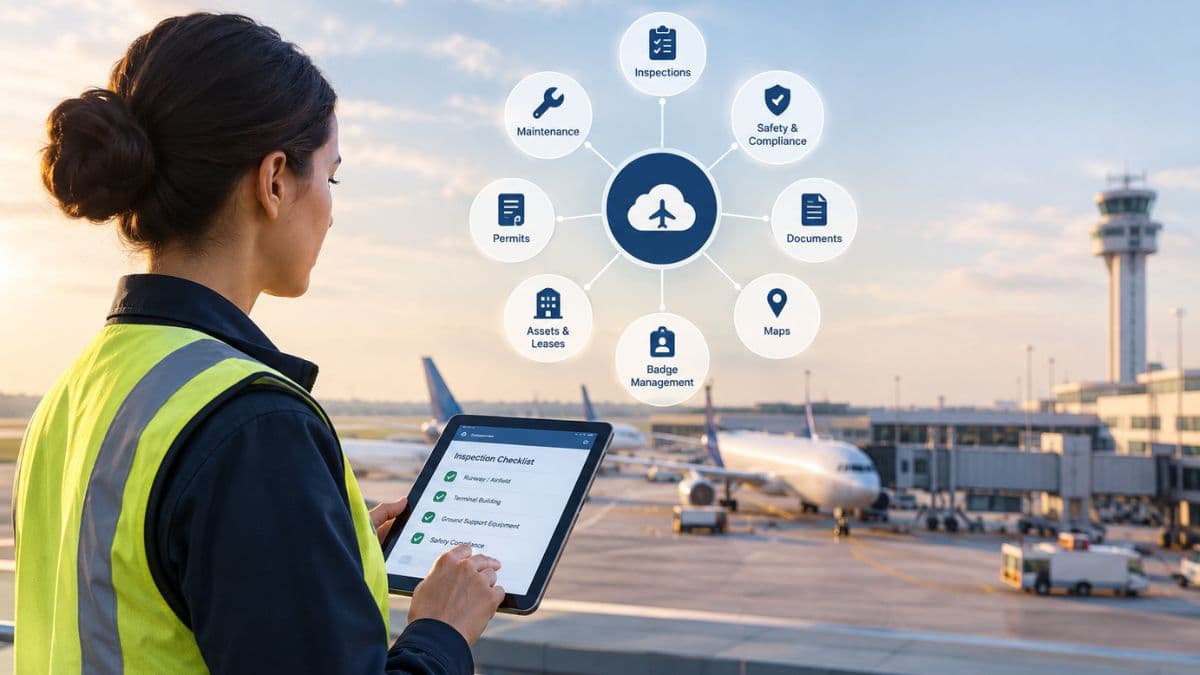
AeroSimple brings inspections, forms, badge management, asset and lease management, permits, safety (SMS), document management, and maps into one connected platform — so the operations manager above logs an inspection once, and that record automatically updates the related work order, asset history, and compliance file, instead of living in three disconnected places.
Configurable, role-based workflows mean a technician's view isn't cluttered with lease or permit fields they'll never touch, and automated routing replaces the email-thread approval chain with a clear, trackable step. The result isn't just less manual work — it's one place where operations, maintenance, and compliance teams are all looking at the same current information.
Bringing People and Technology Forward Together
Implementing new software is only one part of transformation. Helping the people who rely on it every day actually adopt it is the part that determines whether the investment pays off.
Discover how AeroSimple helps airports bring people, processes, and technology together for more connected operations. Book a demo today.
Frequently Asked Questions
How often should software systems be updated?
Most business software should be updated as soon as stable releases are available. This helps close security gaps and keeps performance running smoothly.
What's the difference between cloud and on-premise software?
Cloud software runs on remote servers and is accessed via the internet, while on-premise software runs on local hardware. Cloud options typically offer easier scaling and remote access.
How can teams improve internal communication?
Regular check-ins, clear documentation, and a shared source of truth for information all help. Reducing scattered email threads is often the biggest win.
What should a company look for in a software vendor?
Reliability, responsive support, and a track record with similar organizations matter most. Ease of integration with existing tools is also key.
How long does it typically take to train staff on new software?
This varies by complexity, but most teams reach basic proficiency within a few weeks. Ongoing refreshers help reinforce adoption long-term.